

How to Safely Dispose of Old Laptops and Hard Drives
Upgrading your company’s technology is a smart move. Holding onto outdated laptops and hard drives, however, can create serious security risks. Simply deleting files or performing a factory reset does not permanently remove sensitive data. If devices fall into the wrong hands, confidential information can still be recovered. That is why understanding proper hard drive destruction practices is essential.
Businesses today store vast amounts of data, including financial records, employee information, client files, and proprietary materials. When old devices reach the end of their lifecycle, secure disposal is not optional. It is a critical step in protecting your organization from data breaches, identity theft, and compliance violations.
Why Deleting Files Is Not Enough
Many people assume that dragging files to the recycle bin or reformatting a hard drive eliminates the data permanently. In reality, those actions only remove the file’s visibility within the operating system. The data itself often remains on the drive and can be recovered using widely available software.
This is especially concerning for organizations subject to privacy regulations and industry compliance standards. Failing to securely destroy data could result in financial penalties, legal liability, and damage to your reputation.
Certified Hard Drive Destruction Methods
The safest way to dispose of old laptops and storage devices is through certified hard drive destruction methods. These methods ensure that data cannot be reconstructed or retrieved.
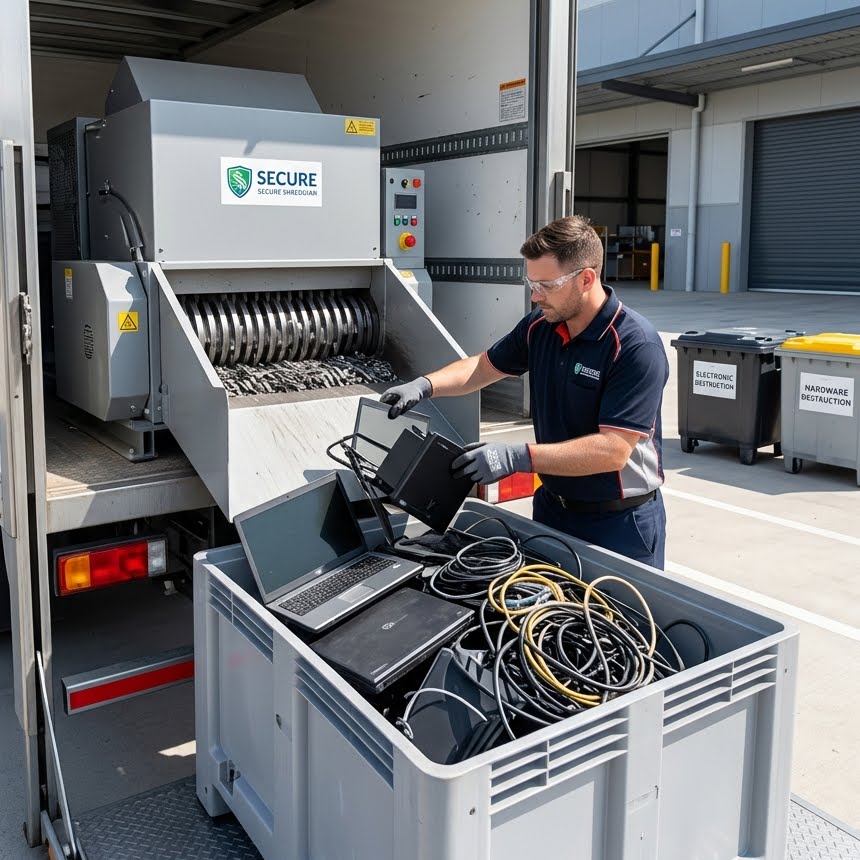
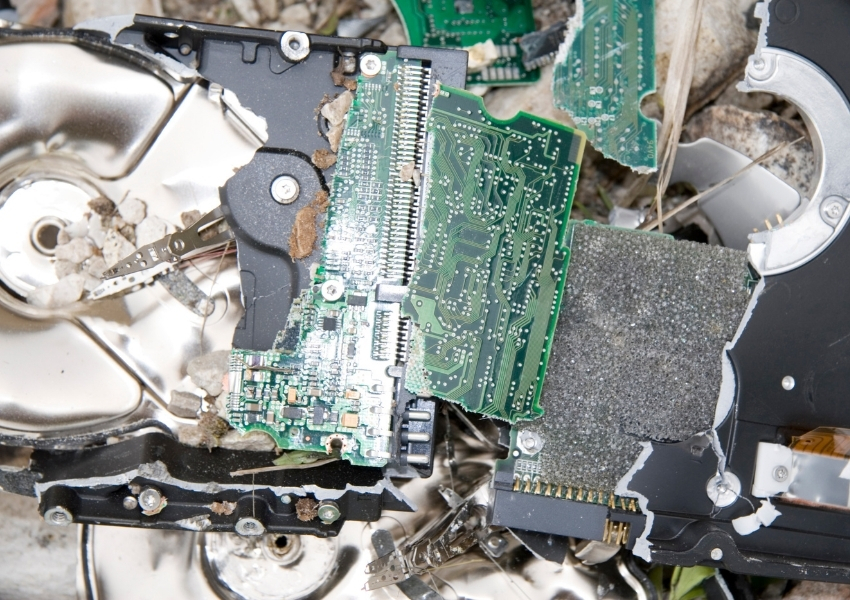
Physical destruction is one of the most reliable solutions. This involves shredding, crushing, or pulverizing hard drives so that internal components are completely destroyed. Industrial shredders break drives into small fragments, making recovery impossible.
Degaussing is another method, which uses powerful magnetic fields to disrupt and erase stored data. However, degaussing alone may not physically destroy the drive, which is why many organizations prefer full physical hard drive destruction.
Working with a certified destruction provider ensures that proper chain of custody procedures are followed. Reputable providers issue certificates of destruction as proof that the devices were securely and permanently destroyed.
Beyond Documents: Non-Document Destruction
Secure disposal does not stop at paper files. In today’s digital environment, non-document destruction is just as important. Laptops, hard drives, solid-state drives, USB devices, backup tapes, and other electronic storage media all contain potentially sensitive data.
Professional destruction services handle non-document destruction with the same level of care as confidential paper shredding. Devices are collected securely, transported under controlled conditions, and destroyed using certified methods that meet regulatory standards.
Protecting Your Business the Right Way
Improper disposal of electronics can expose your company to significant risk. Throwing old laptops into general recycling bins or reselling equipment without proper destruction leaves data vulnerable.
The safest approach is partnering with a trusted destruction provider that specializes in hard drive destruction and secure electronic disposal. By choosing certified services, you protect your data, your clients, and your reputation.
IDS Auto-Shred provides secure, professional solutions for document and non-document destruction, including Certified Hard Drive Destruction Methods designed to keep your information safe. To learn more about secure disposal services or to schedule a pickup, visit https://idsautoshred.com/ and connect with their team today.